

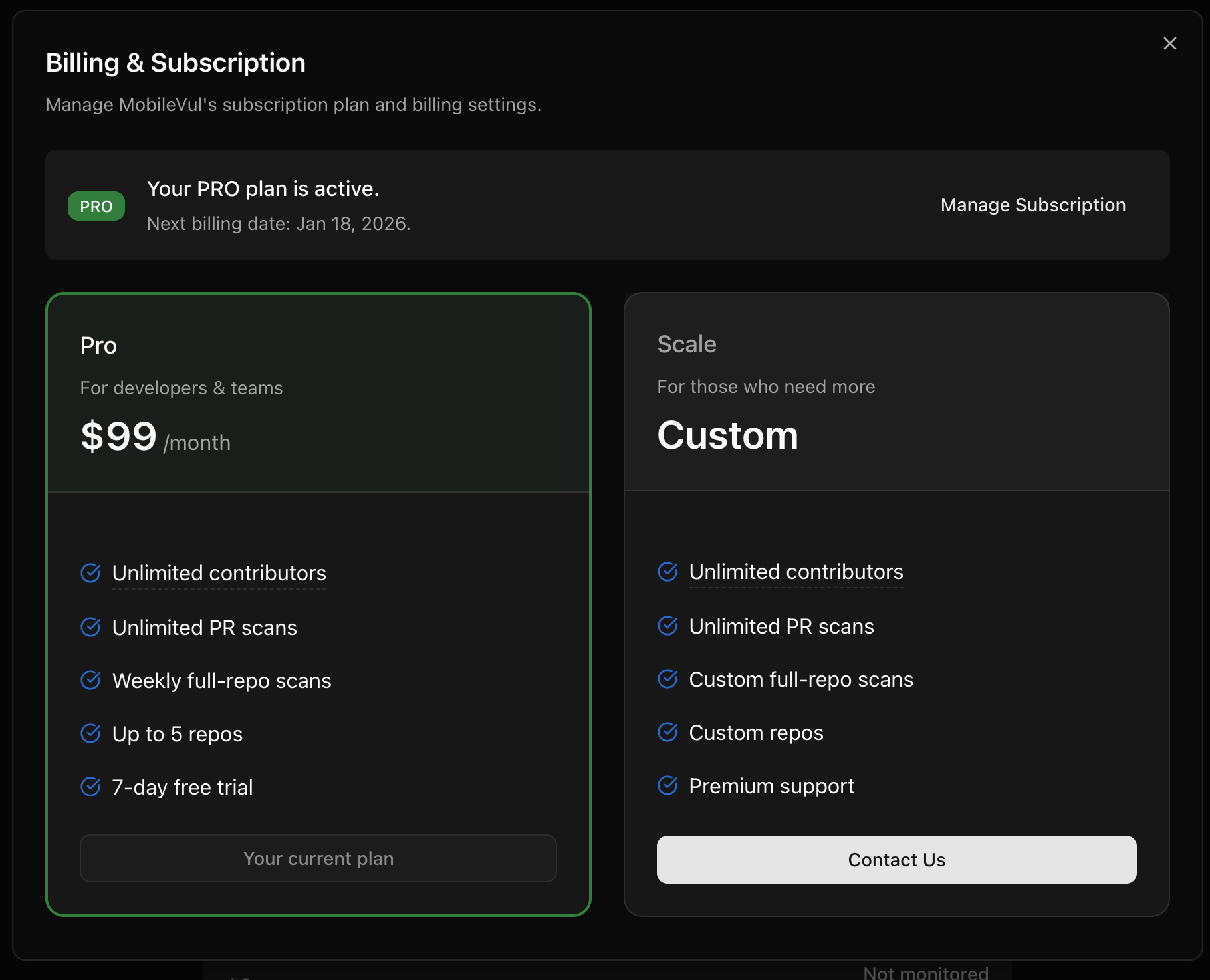
What you can view in SecAlly
From Organization Billing, you can view:- Current plan and trial status
- Subscription state (trial, active, paused, or canceled)
- A link to manage billing in Stripe
Managing your subscription
All subscription management is handled securely by Stripe. From Organization Billing, select Manage Subscription to open the Stripe customer portal, where you can:- Update your payment method
- View and download invoices
- Cancel your subscription
Free trial (Pro)
New organizations start a Pro free trial automatically. During the trial:- Unlimited contributors
- Monitor up to 5 repositories
- Unlimited PR scans
- 1 full repository scan
Cancel subscription
Canceling a subscription takes effect at the end of the current billing period. After cancellation is scheduled:- Your subscription remains active until the end of the billing cycle
- Scans continue to run until the end date
- Historical scan results remain available