

Prerequisites
- The SecAlly GitHub App is installed for your organization.
- The repository is toggled Monitored in SecAlly (see Onboarding.)
Triggering a PR scan
- Open a pull request in a monitored repository.
- SecAlly creates a GitHub check run and starts analysis.
- Results appear as a PR review with a summary and inline comments.
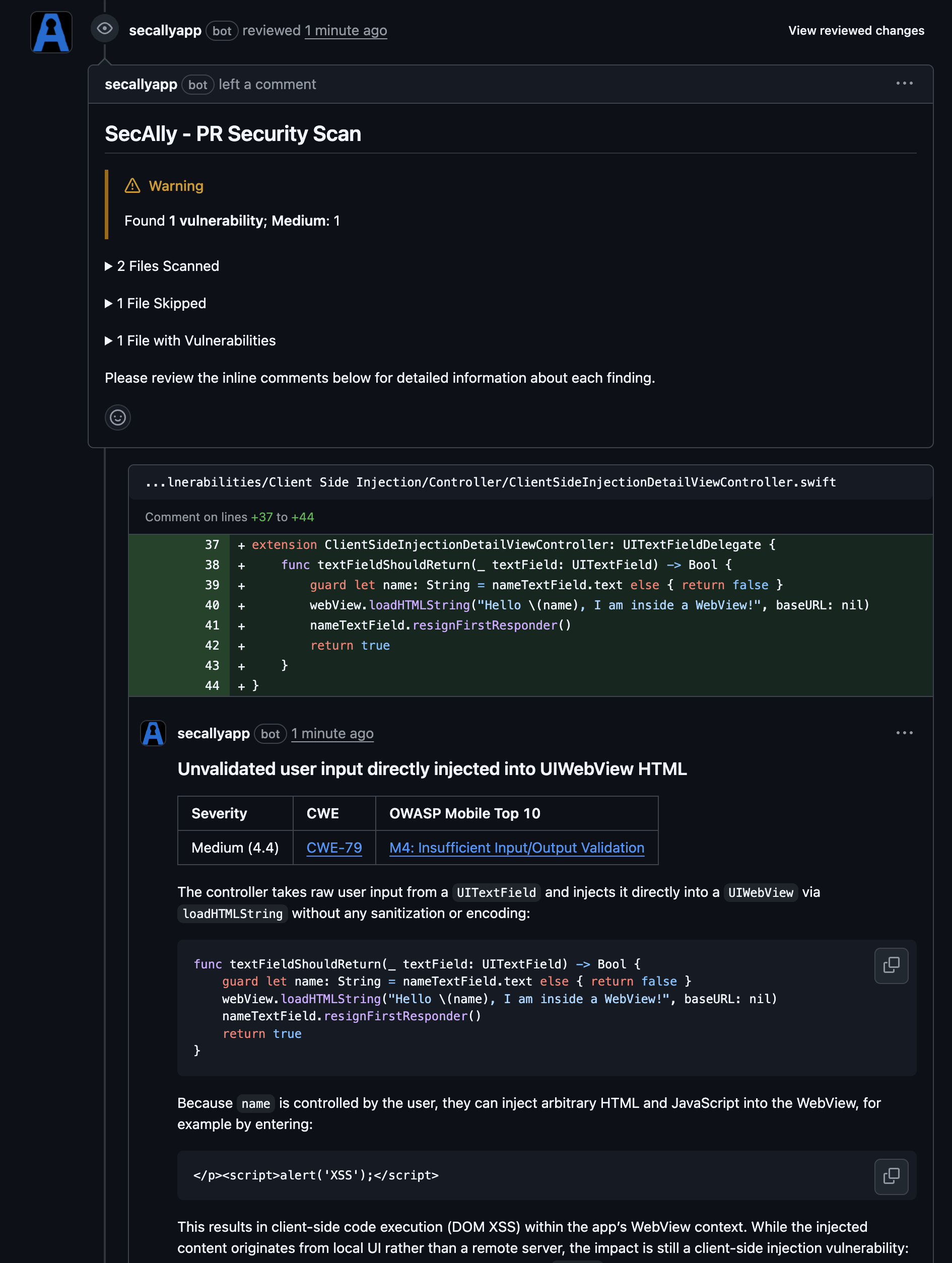
What gets scanned
PR scans focus on the PR diff and prioritize newly introduced security-relevant changes. For broader coverage, request a Full scan.Troubleshooting
- No scan activity: confirm the repository is Monitored in SecAlly.
- No check run or comments: confirm the SecAlly GitHub App still has access to the repository in GitHub.