

1
Step 1: Sign in with GitHub
Sign in to SecAlly using your GitHub account.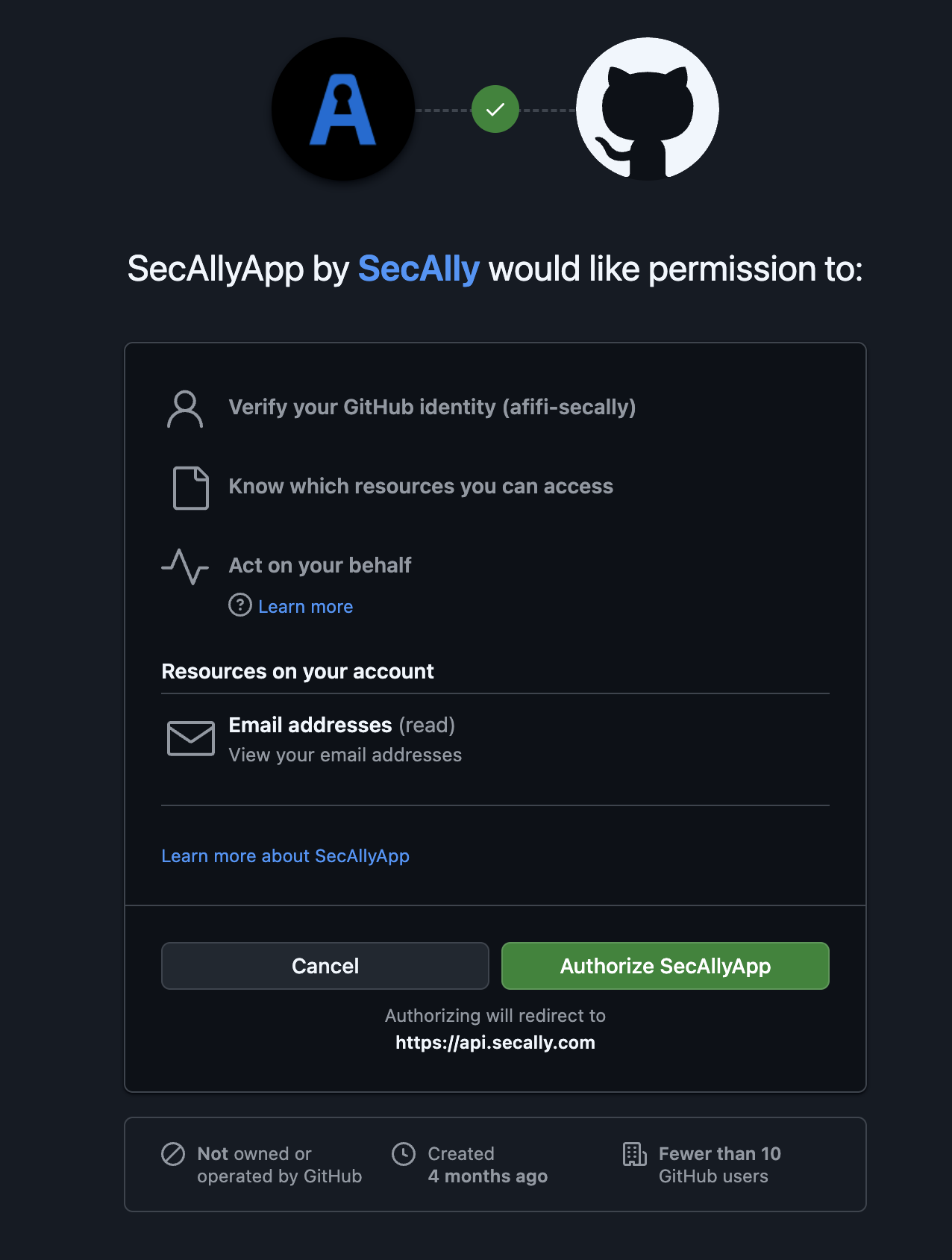
If this is your first time signing in, you will be redirected to GitHub to install the SecAlly GitHub App for your organization.
2
Step 2: Install the SecAlly GitHub App
Install SecAlly for the GitHub organization that owns the repositories you want to scan.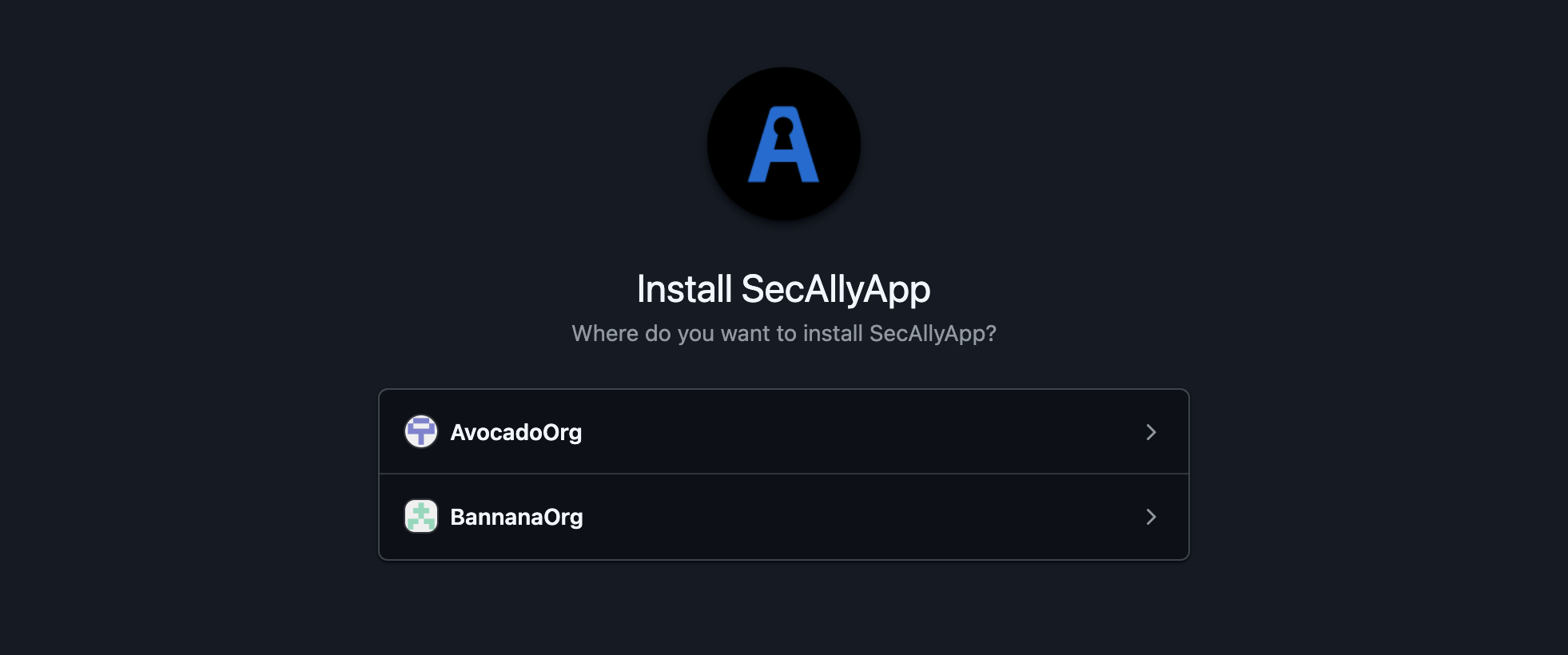
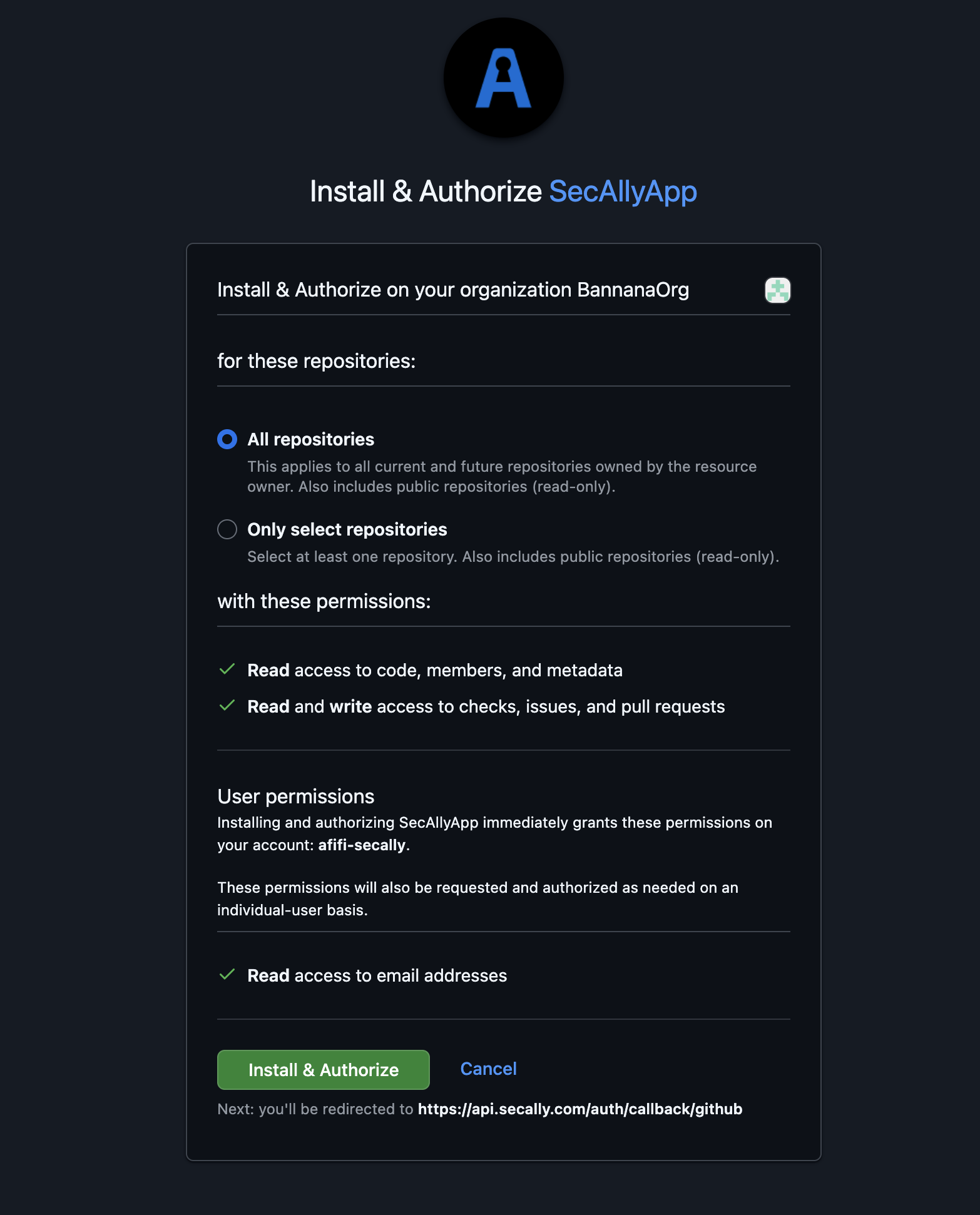
3
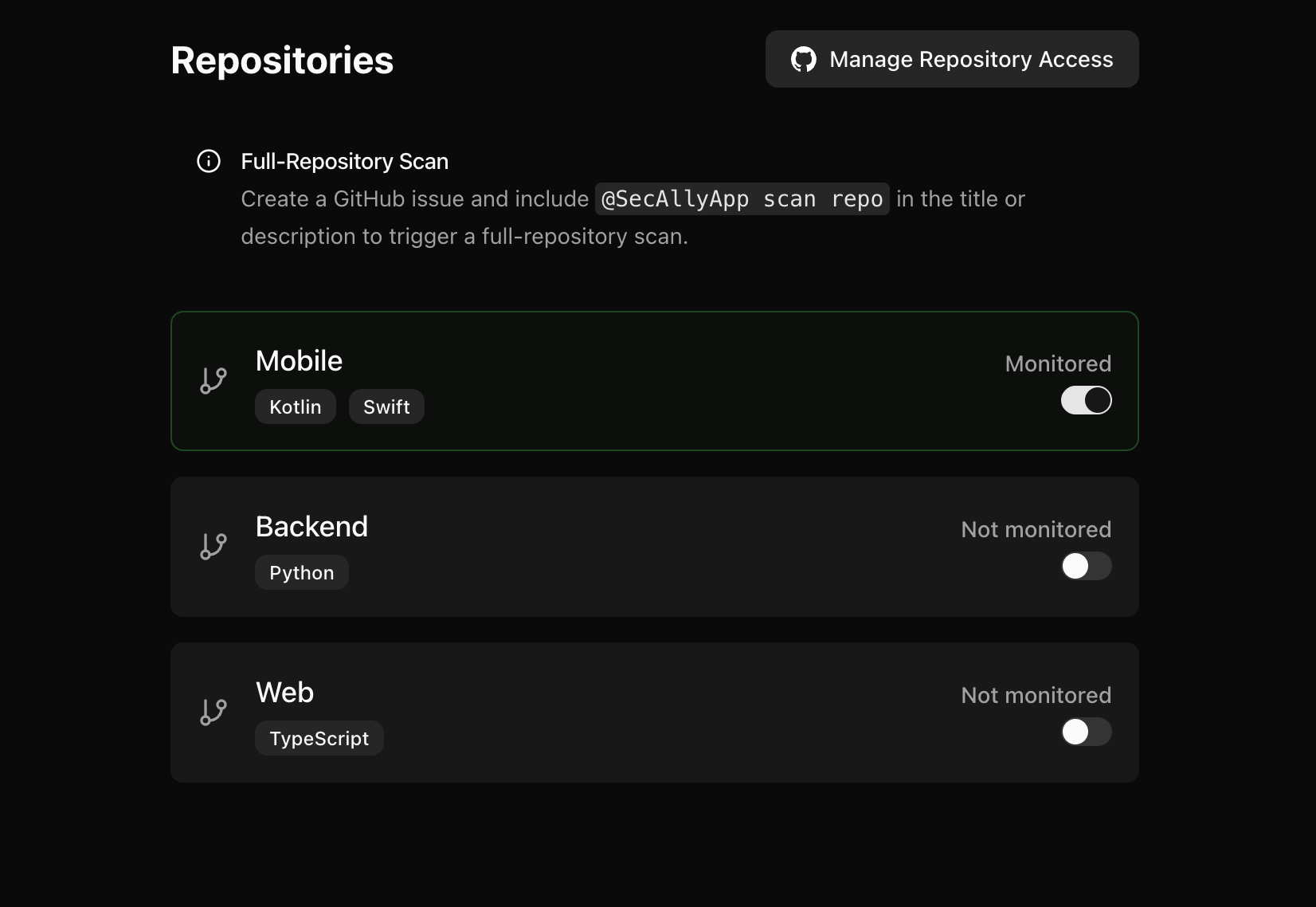
Step 3: Choose repositories to monitor
- Return to the SecAlly dashboard.
- Select your organization.
- Toggle Monitored on for the repositories you want SecAlly to scan.
Once enabled, SecAlly will automatically scan pull requests and accept scan requests for that repository.
4
5
Step 5: Verify with a full repository scan
Open a new GitHub issue in a monitored repository and includeCommon Issues
- Repository doesn’t show up in SecAlly: update the GitHub App installation to grant access to that repository, then refresh.
- Scans don’t start: confirm the repository is toggled Monitored and the organization has an active trial or subscription.
- Full scan didn’t trigger: SecAlly listens for newly opened issues; open a new issue that includes the trigger text.